How to Use a Metronome in Music Production and Beat Making
A metronome gives a session a shared timing reference; it does not dictate how every note must feel. Use it to establish a reliable starting grid, then choose whether the performance should sit on, ahead of or behind that grid. The steps below are suggested exercises, not results from a particular studio test.
Set up before recording
- Choose the project's time signature and a tempo that fits the phrase. Tap or sing the phrase first rather than treating a genre's usual BPM as a requirement.
- Enable the click and a count-in so you can settle into the pulse before the first recorded note. Verify the controls in your DAW's current manual.
- Route the click to your monitoring output. If a microphone captures the headphones, reduce click volume or use more isolated headphones.
- Record a short rehearsal and check whether the take starts where you intended. Correct routing or monitoring delay before blaming your timing.
Record parts that leave room for each other
Try a simple drum or chord part first. Record a second part against that reference and listen to both with the click turned off. If the combined groove feels inconsistent, inspect the phrase transitions as well as individual notes. A rushed fill can move the entire next bar even when the first bar is stable.
Keep an unedited take before quantizing. Compare it with a lightly edited version at the same playback level. Quantization can align note starts, but it cannot automatically fix a poorly planned phrase, an unsuitable tempo or a latency problem.
A practical four-bar check
Loop four bars. Play or sing one simple pattern, then repeat it without adding notes. Listen for the final note of each phrase: is it consistently early, late or changing every time? Work on that transition at a manageable tempo before increasing speed. Make one adjustment at a time so the next take tells you what changed.
DAW-specific references
Ableton Live manual: recording and metronome/count-in controls explains its click and count-in options. FL Studio manual: external audio recording explains input selection and recording routing, including why recording the wrong mixer track can capture the click alongside the instrument.
Continue with metronome exercises or the metronome introduction.
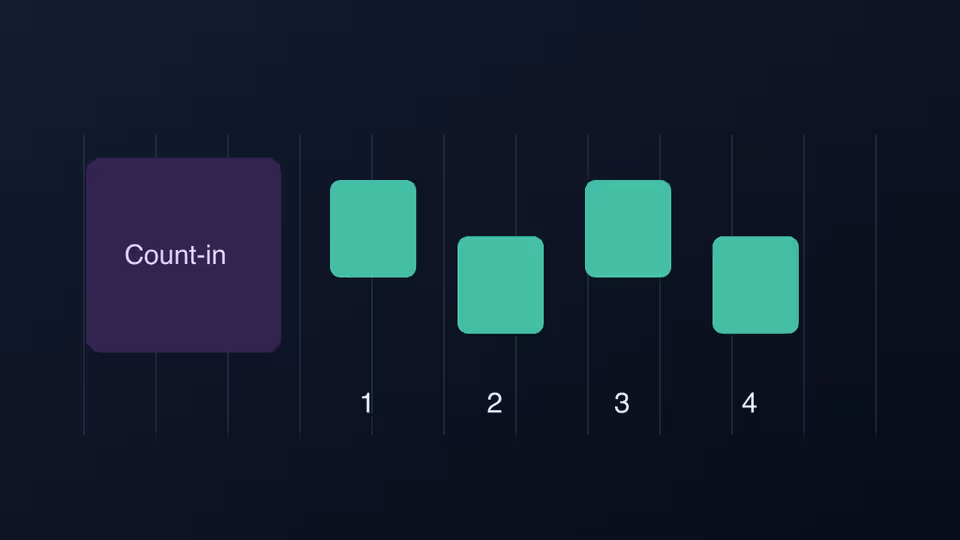
Featured image: Original recording timeline illustration with a count-in and notes aligned to four metronome beats. Original illustration by Deadloops.