



Free sample player · Decent Samples
Decent Sampler: Free Cross-Platform Sample Player
A practical, official-source guide to installing and using a flexible sampler for creator-made instruments.
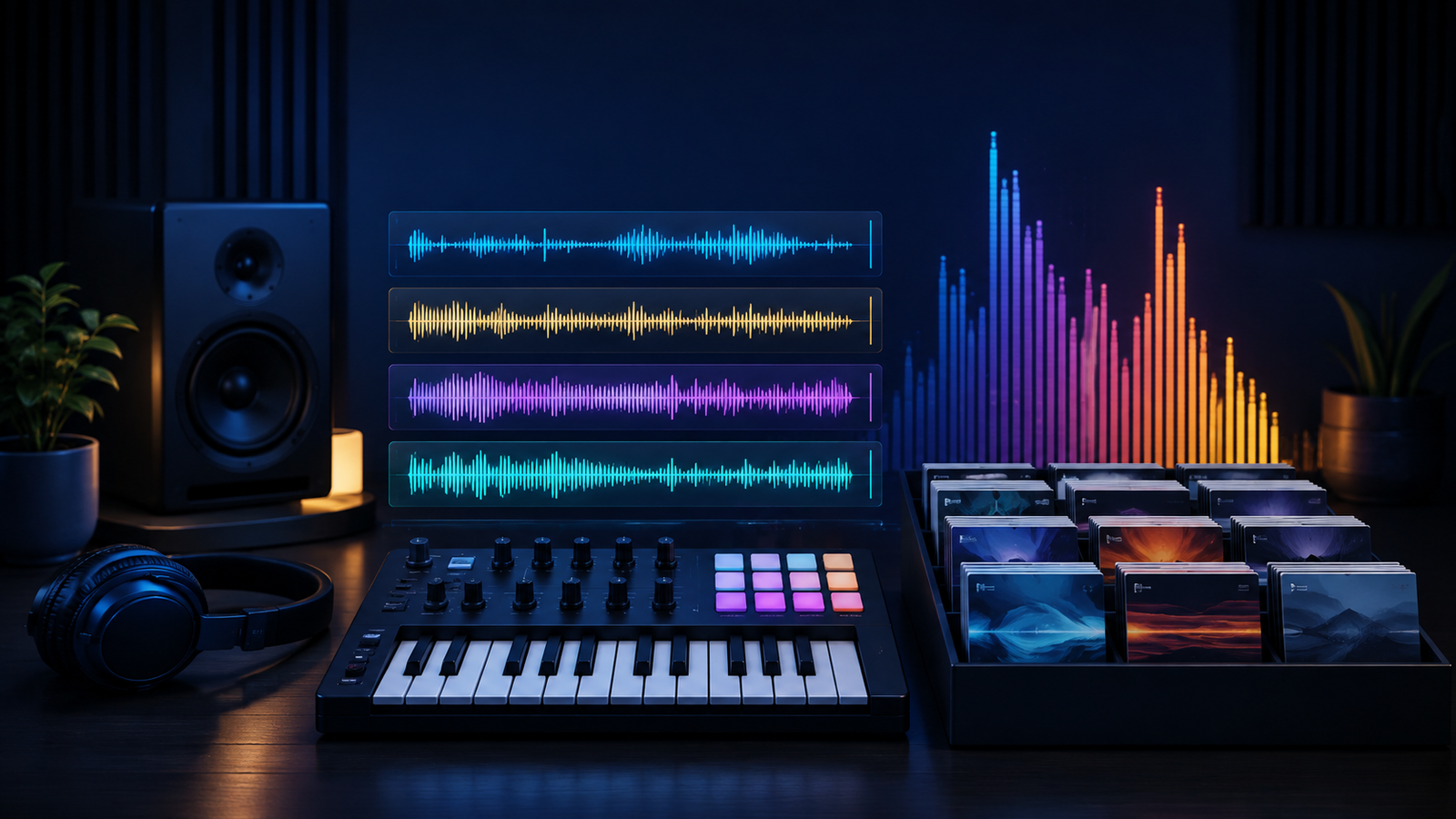
Decent Sampler is a free sample-player platform from Decent Samples. It is built for playing Decent Sampler instruments and sound libraries, and it also works as a standalone application as well as a plug-in in compatible DAWs. Its value is not a single factory sound: it provides a lightweight way to explore a large ecosystem of creator-made instruments.
The official download page is the only download route used here. Decent Samples currently asks visitors to enter an email address before accessing the free installer, so this page links to that authorized process rather than copying or mirroring installers.
What Decent Sampler does
Decent Sampler loads libraries built for its format and gives musicians a direct way to browse, install and play sampled instruments. Recent official release notes describe additions such as wavetable support, an FM engine, new effects and tools for library creators. That continuing development is useful for producers who want a sampler that can grow with their collection.
Platform and format support
- Windows: the official downloads page provides installer and no-installer options.
- macOS: current downloads include a macOS 10.15-or-newer build and a separate legacy build for older macOS versions.
- Linux: official static and dynamic builds are offered for x86-64, with ARM64 builds also listed.
- Use in a DAW: Decent Sampler is available as standalone software and as plug-ins. Confirm the current plug-in formats and DAW compatibility from the developer before installation because installers change over time.
Installation guide
- Open the official Decent Sampler product page from the download panel.
- Enter your email address if requested, then choose the installer that matches your operating system.
- Run the official installer or follow the developer’s instructions for the no-installer build.
- Open your DAW, rescan plug-ins if necessary, and load Decent Sampler on an instrument track.
- Add a compatible Decent Sampler library through the application’s browse or load workflow.
Getting useful results quickly
Start with one well-recorded library and audition it at different velocities before reaching for effects. A sampled instrument often contains its own articulations and tone controls, so explore those first. In a DAW, keep the sampler on a separate track while you learn its level and envelope behaviour; that makes it easier to decide whether extra compression, reverb or EQ is actually needed.
Who should use it?
Decent Sampler is a strong fit for songwriters, composers, educators and sound designers who want an accessible way to use free and paid sampled instruments on more than one operating system. It is also useful for library creators who want to distribute instruments in the Decent Sampler ecosystem.
FAQ
Is Decent Sampler free?
Yes. The developer lists the plug-in as free, with an email step on its official product page.
Does it include every sample library?
No. It plays libraries made for Decent Sampler. Always check a library’s stated format before downloading it.
Where should I get updates?
Use the developer’s official downloads page. Do not rely on reposted installers or unverified mirrors.
Explore more tools in our free music-production collection and read our Wasser plug-in guide.
Sources checked: Decent Samples’ official product, downloads and installation pages.
Get Decent Sampler from Decent Samples
Product and download reference
Decent Sampler: Free Cross-Platform Sample Player — reference at www.decentsamples.com. Check the destination for current versions, compatibility, licence, price and any registration requirements. A reachable page is not a guarantee that a past offer is still free.